 A studio dashboard for your Mac
Everything you're making, in one place.
Projects, tasks, deadlines, docs, moodboards, files, and focus time — held together in one window on your Mac, working with the Wi-Fi off. We built it for ourselves, we open it every morning, and it's free.
- Free to download
- No account
- Works offline
- macOS
Why it's free
We didn't have this when we started.
When we started making things, everything we needed lived somewhere else. Notes in one app. Tasks in another. Deadlines in a calendar nobody opened. Files spread across three drives and a desktop folder called final. Half of it behind a subscription we couldn't justify yet.
So we built the thing we kept wishing for: one place that holds an entire project — the plan, the writing, the references, the files, the hours — that opens without asking who you are, and keeps working when the internet doesn't.
KazaKit is free to download because we'd rather you just have it. Everything on this page is free. No account, no subscription, nothing to cancel. It is also the same build we open every morning to run this studio — the projects in these screenshots are ours.
If you're at the beginning of something, we're rooting for you.
— Mio Kaza Studio
One window
One window instead of seven browser tabs.
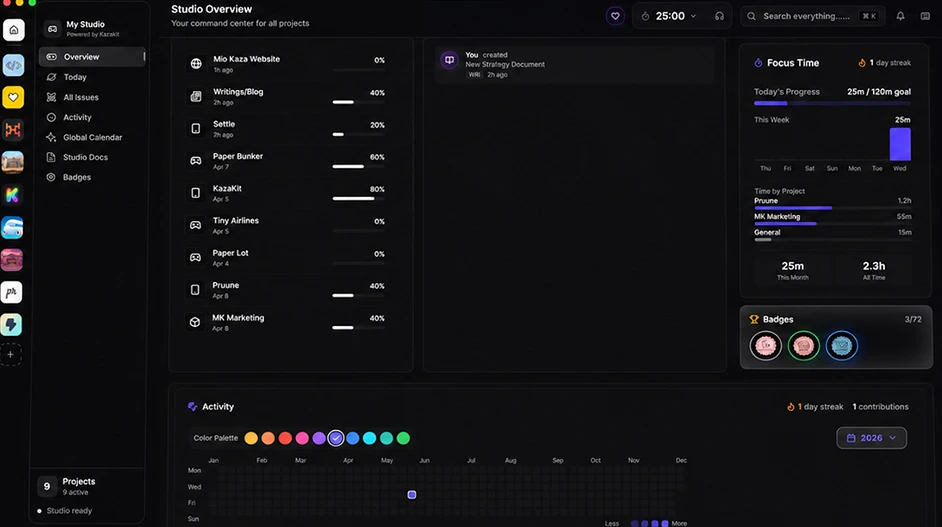
The board, the timer, the streak, the wiki, the release date, the sound you work to — all of it in the same app, ready the moment you open the lid.

Studio & Today
See the whole studio the second you open it.
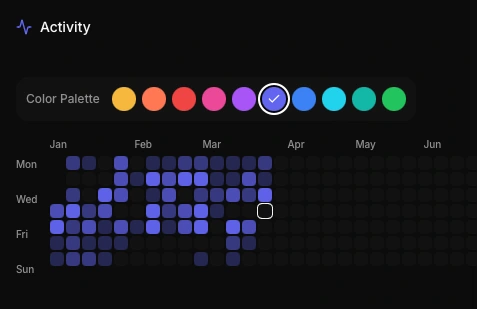
Every project on one screen with its progress, plus a Today view that pulls out what is overdue, what is due today, what you are in the middle of, and what you actually logged. Issues, activity, and the calendar are studio-wide, so nothing hides inside a single project.
- Active projects at a glance
- Overdue and due-today work
- Global issue tracking with severity filters
- Studio-wide calendar and docs
Workshop
Move work from backlog to done.
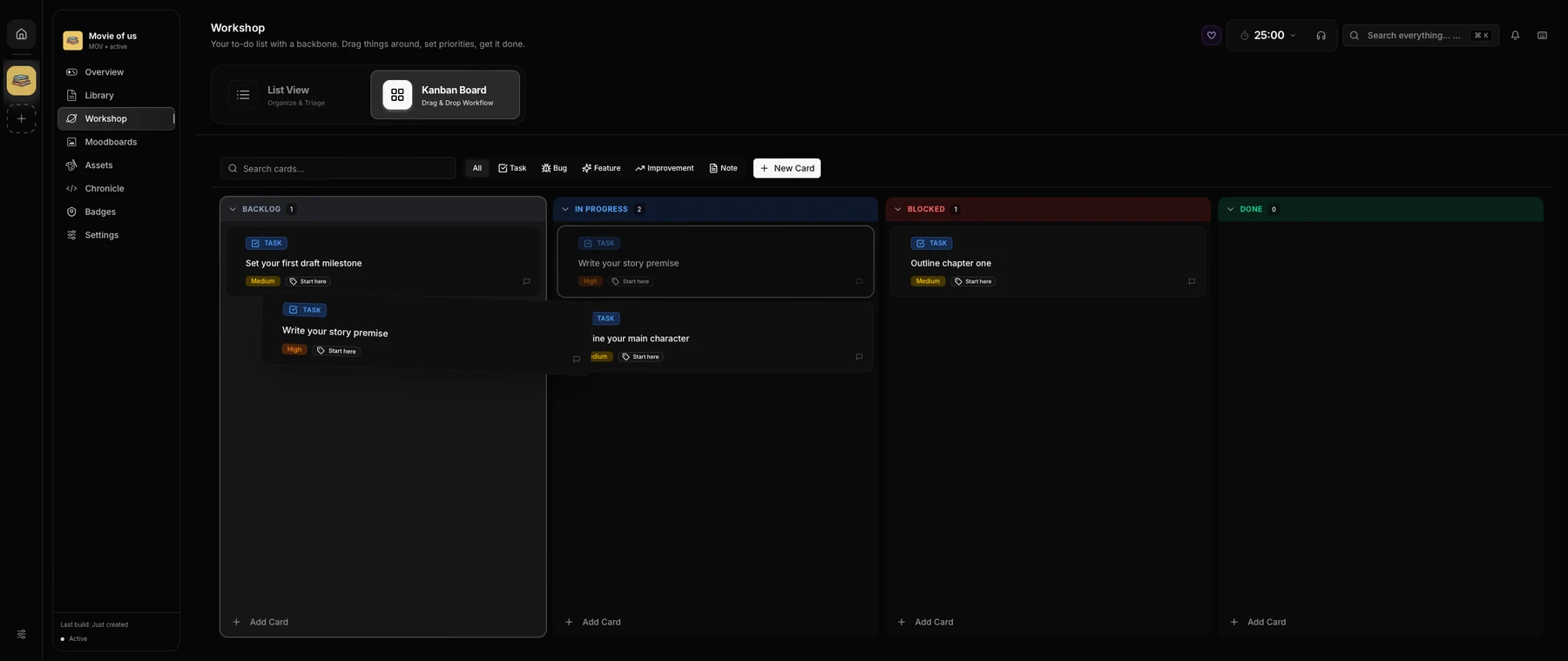
A board with a backbone. Tasks, bugs, features, improvements, and plain notes live as cards you drag between Backlog, In Progress, Blocked, and Done — or flatten into a list when you would rather just triage.
- Kanban and list views
- Priorities, tags, and deadlines
- Recurring tasks and duplication
- Search and filter across cards
Library & Writing Studio
Write it here. Keep it here.
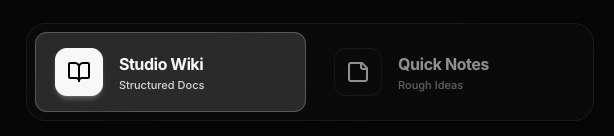
Chapters, scenes, outlines, and draft notes with autosave, Zen Mode, and counts for words, characters, pages, reading time, and the session you are in. Anything worth keeping gets sent to the project wiki, and Quick Notes catches the rest before it evaporates.
- Structured wiki pages per project
- Chapter, scene, outline, and draft templates
- Zen Mode with writing goals
- Send-to-wiki for anything worth keeping
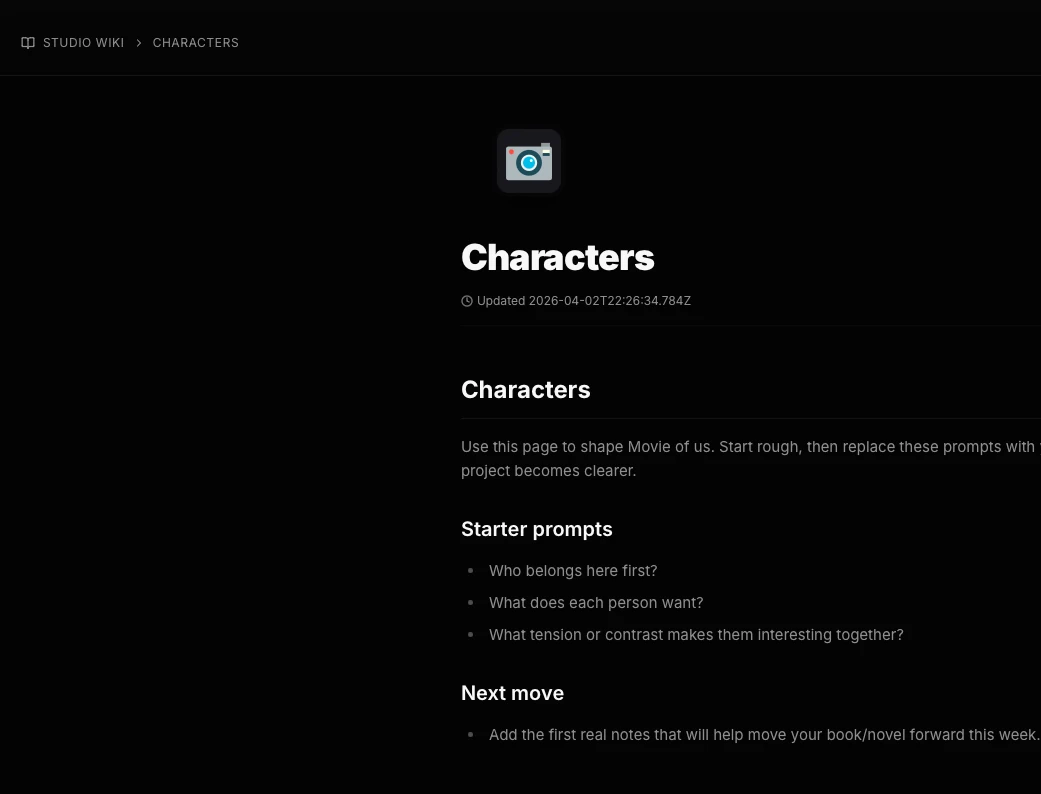
Moodboards & Assets
References beside the work, not in another app.
Infinite canvases for pinning the look of a thing, backed by a real asset library. Images, audio, video, PDFs, and 3D models come in by drag and drop, sort into folders, and drop straight onto a moodboard. On the desktop app the files stay on your machine.
- Excalidraw-based moodboards
- Images, audio, video, PDFs, 3D models
- Folders, search, and file-type filters
- Local file storage on the desktop app
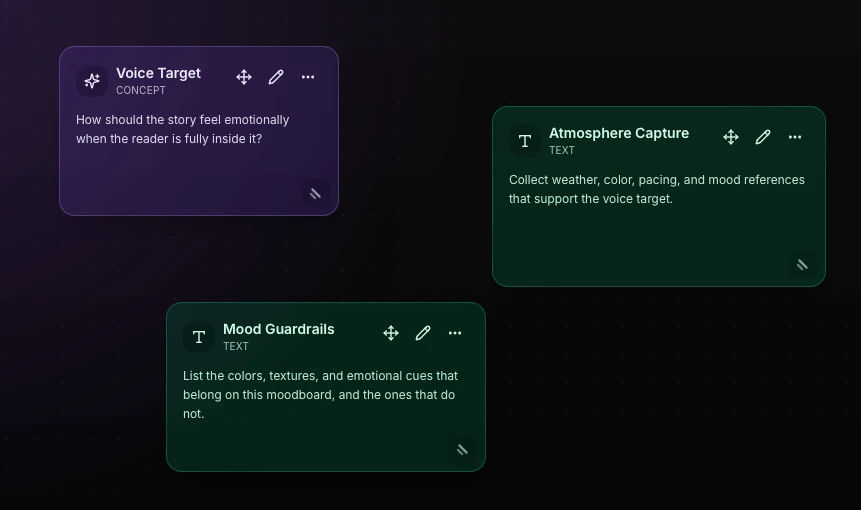
Focus
A timer that knows what you're working on.
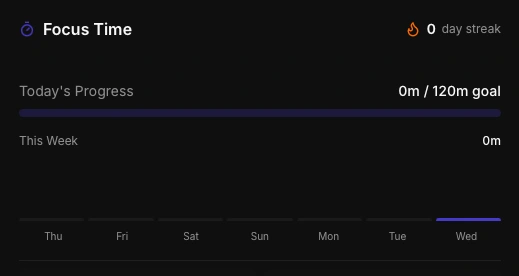
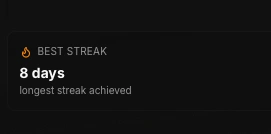
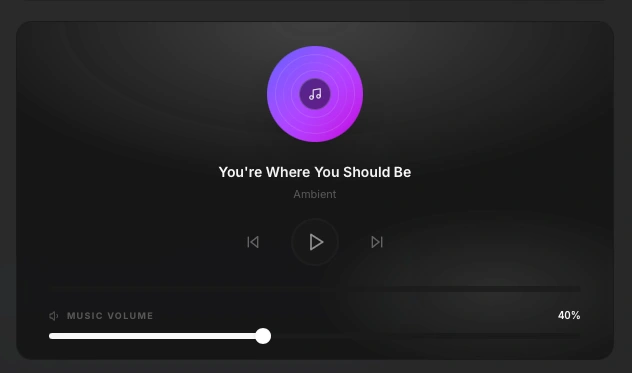
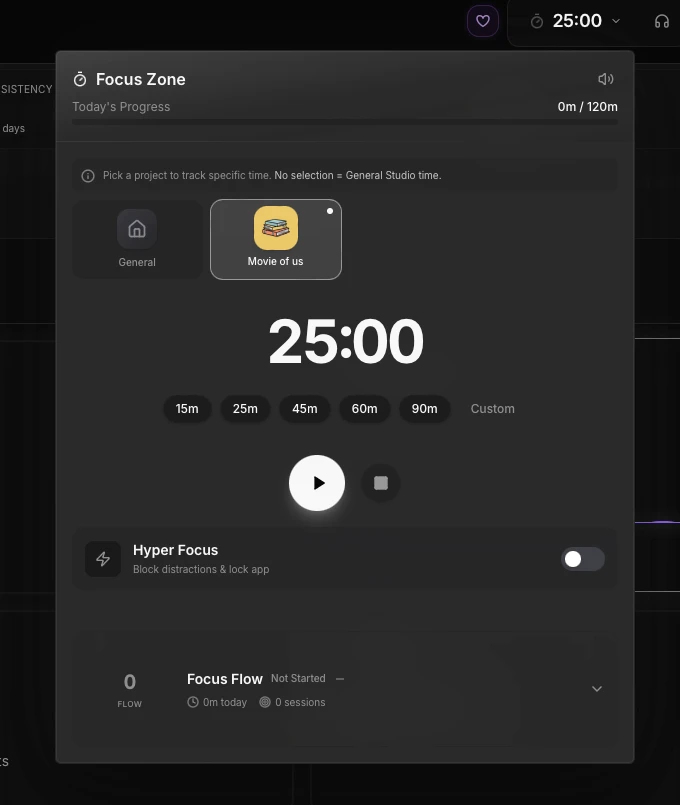
Pick the project, start the clock, and the hours land on that project instead of nowhere. Hyper Focus locks the distractions out. The Sound Room scores the session with white, pink, or brown noise, binaural tones, rain, ocean, forest, or a coffee shop. Streaks keep you honest, and burnout warnings tell you when to stop.
- Per-project and per-task time tracking
- Hyper Focus distraction locking
- Noise, binaural tones, and ambience
- Streak shields and burnout warnings
Make it yours
It should look like your studio.
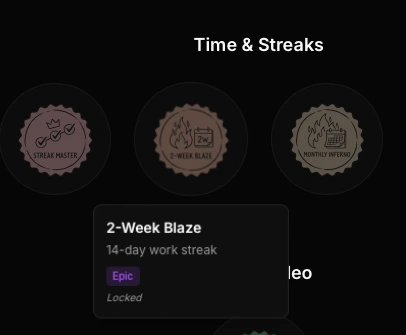
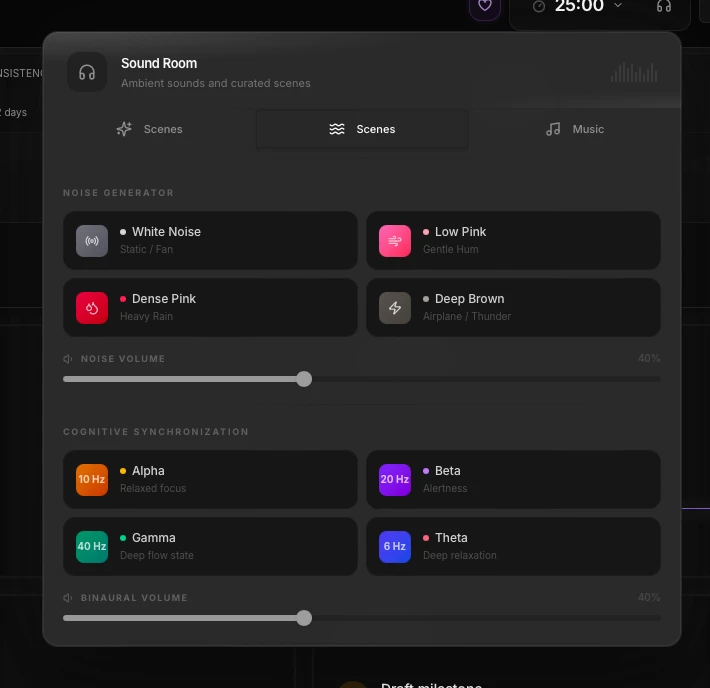
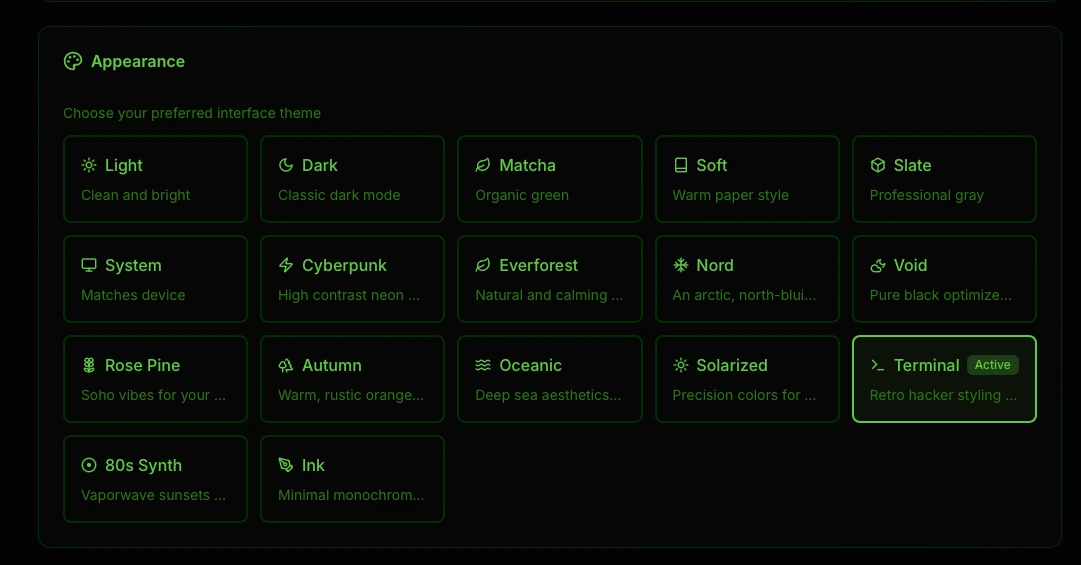
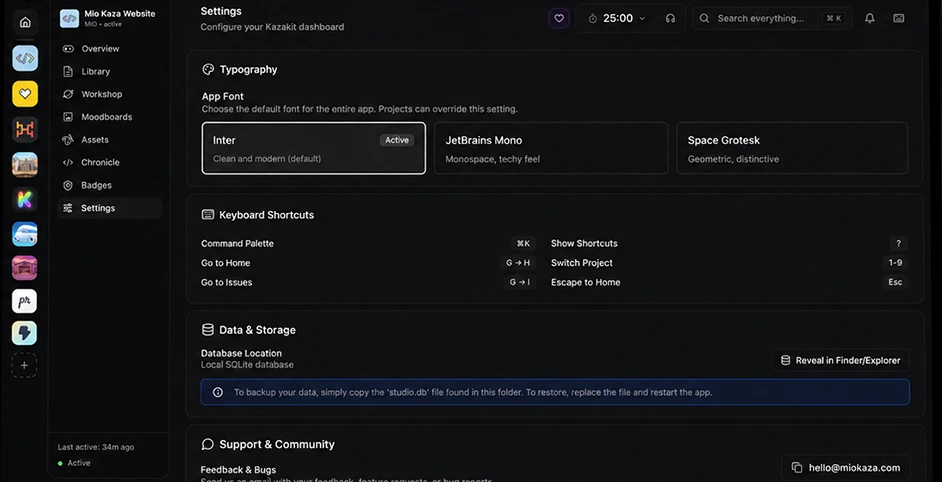
Seventeen themes, from Terminal green to 80s Synth to plain Ink. Six languages. Three icon sets and multiple fonts, overridable per project. A command palette and keyboard shortcuts for the parts you do fifty times a day, and seventy-two badges for the parts you only do once.
- 17 built-in themes
- English, Spanish, Japanese, Chinese, German, Portuguese
- Command palette and shortcuts
- 72 collectible badges

21 project types
It speaks the language of whatever you're making.
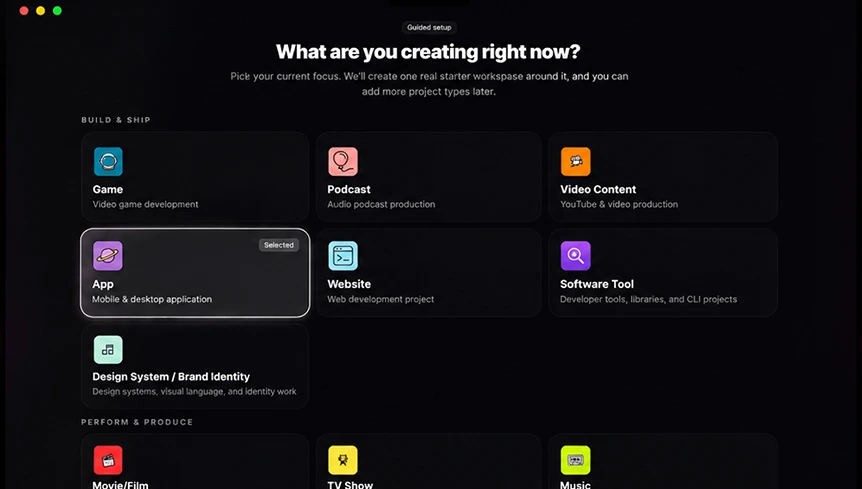
A film has scenes and a release date. A game has builds and platforms. A novel has chapters and a word count. Pick what you're working on and KazaKit changes its terminology, categories, milestones, and the way it measures output to match.
- Game
- Podcast
- Photography
- Video Content
- App
- Website
- Software Tool
- Movie/Film
- TV Show
- Music
- Brand / Creative Campaign
- Social Campaign
- Design System / Brand Identity
- Theater / Stage Production
- Screenplay
- Book/Novel
- Serialized Novel
- Newsletter / Publication
- Course / Educational Product
- Comic
- Creative Project
- Game
- Podcast
- Photography
- Video Content
- App
- Website
- Software Tool
- Movie/Film
- TV Show
- Music
- Brand / Creative Campaign
- Social Campaign
- Design System / Brand Identity
- Theater / Stage Production
- Screenplay
- Book/Novel
- Serialized Novel
- Newsletter / Publication
- Course / Educational Product
- Comic
- Creative Project
Local-first
Private by default. Ready offline.
Your unfinished work is the most private thing you own. It stays on your machine.
No account
No sign-up, no email, no login screen standing between you and the thing you wanted to work on. Open it and start.
No cloud dependency
Nothing has to reach a server for KazaKit to work. Turn the Wi-Fi off on a plane and the whole studio still opens.
One file you own
Your studio is a single local SQLite database on your Mac. Copy that file to back it up, put it back to restore it. No export format to be held hostage by.
We're rooting for you.
Whatever you're starting — the first chapter, the first build, the first ten seconds of footage — it deserves somewhere to live. Take ours.
Free to download · macOS · No account required